Modern offices are no longer built around rows of identical desks. Organizations are adopting smarter layouts that create dedicated zones for focus, collaboration, meetings, and social interaction. When implemented correctly, these designs reduce distractions, improve workflow efficiency, and allow employees to transition naturally between tasks.
What Are Smart Layouts in Workplace Design?
Smart layouts are office floor plans intentionally designed around different work activities rather than fixed desk assignments. Instead of uniform workspaces, offices are divided into functional zones:
- Focus areas for deep work
- Collaboration zones for teamwork
- Meeting rooms for structured discussions
- Quiet rooms for calls or private tasks
- Social spaces for informal interaction
Why Are Companies Moving Away from Traditional Layouts?
Traditional office designs assumed employees performed the same tasks all day at the same desk. This model no longer reflects modern work patterns.
- Individual concentration
- Team collaboration
- Video conferencing
- Informal communication
How Do Smart Layouts Improve Productivity?
Productivity declines when employees lack the right environment for specific tasks. Learn What Data You Need to Plan Your Office Space Effectively
- Quiet work becomes difficult in noisy open offices
- Brainstorming is limited in overly silent spaces
Smart zoning solves this by aligning workspace types with work modes:
- Focus zones enable deep thinking
- Collaboration areas encourage communication
- Quiet rooms support private conversations
Employees spend less time searching for space and more time working effectively.
Essential Zones Every Office Should Include
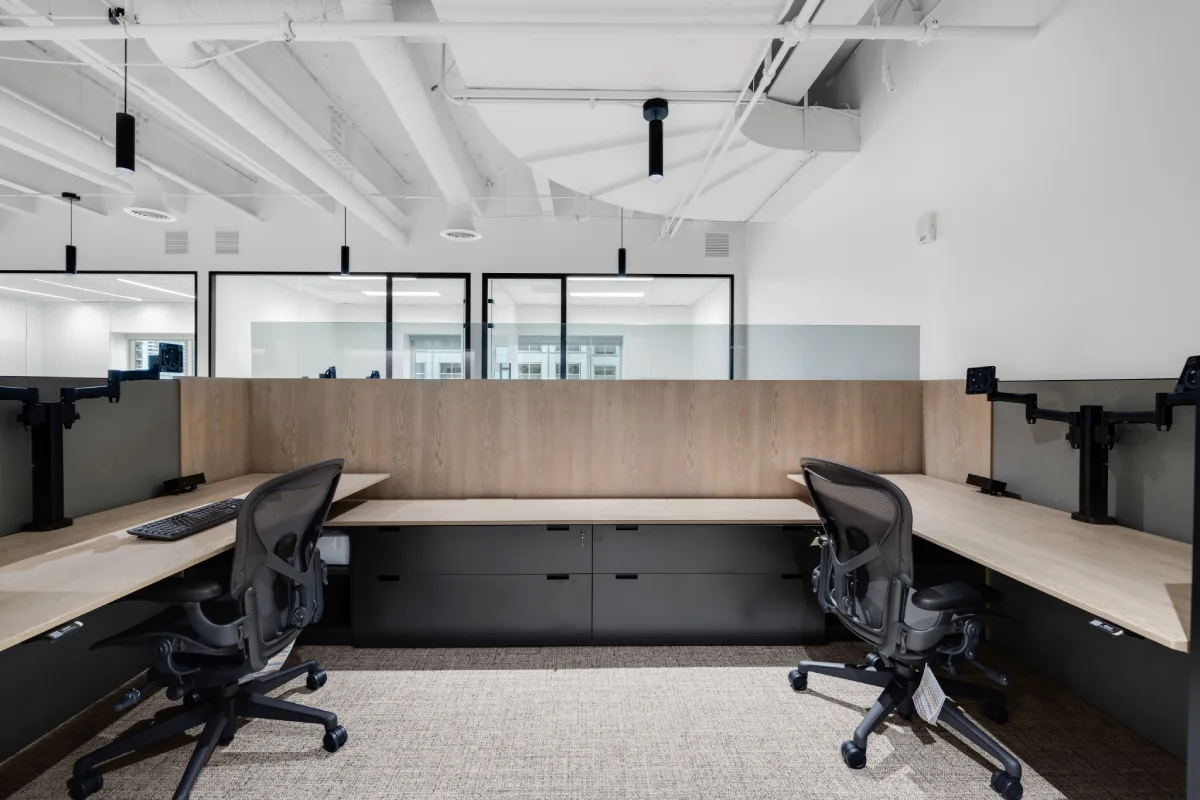
1. Focus Zones
Designed for concentrated work, these areas typically include:
- Acoustic panels
- Minimal foot traffic
- Task lighting
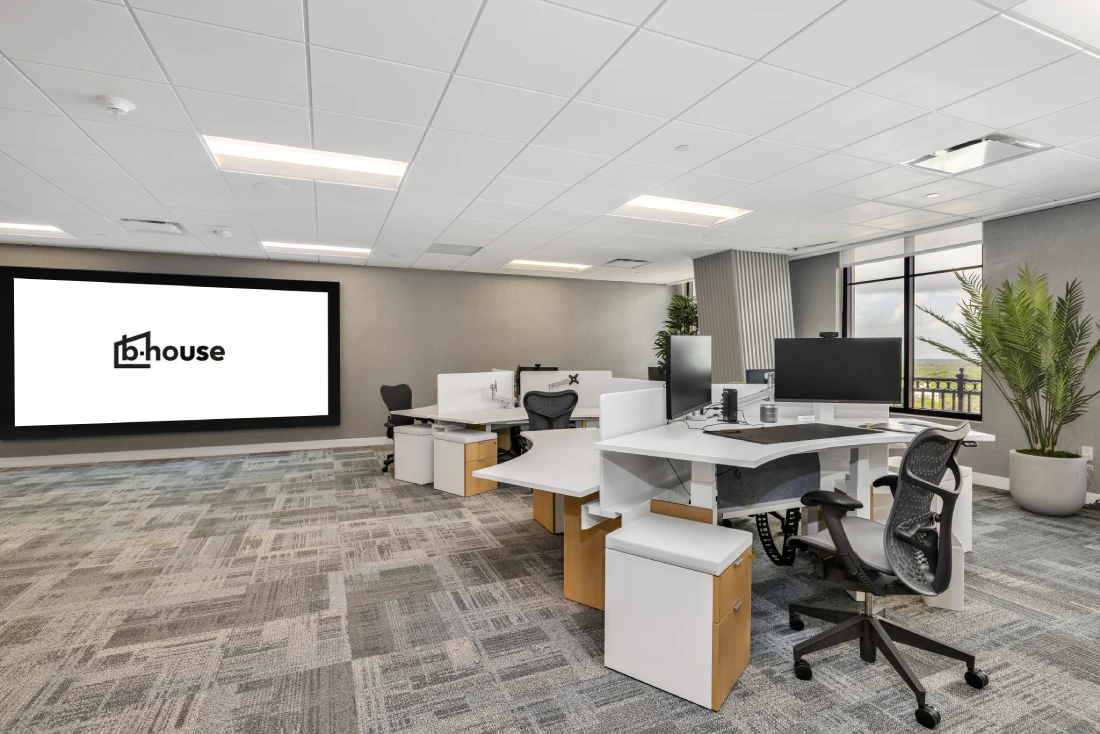
- Individual desks or pods
2. Collaboration Zones
These spaces support teamwork and idea generation, featuring:
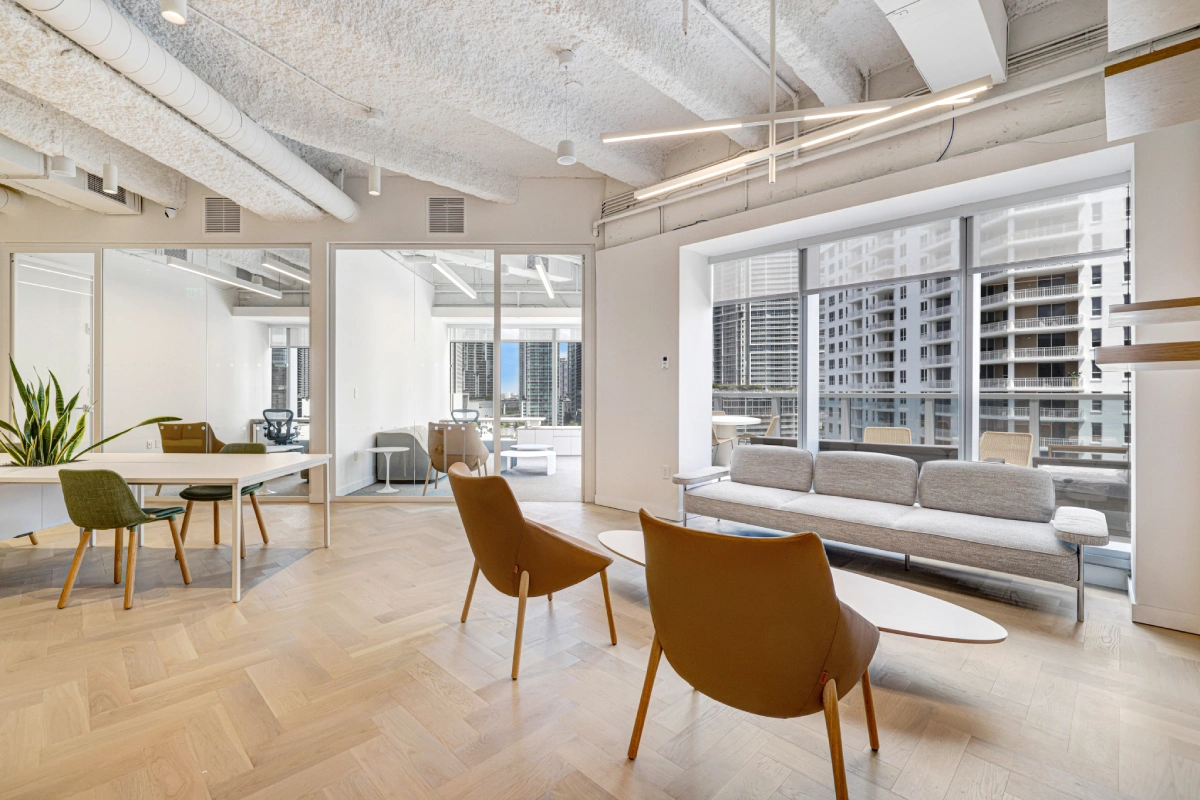
- Shared tables
- Whiteboards or digital displays
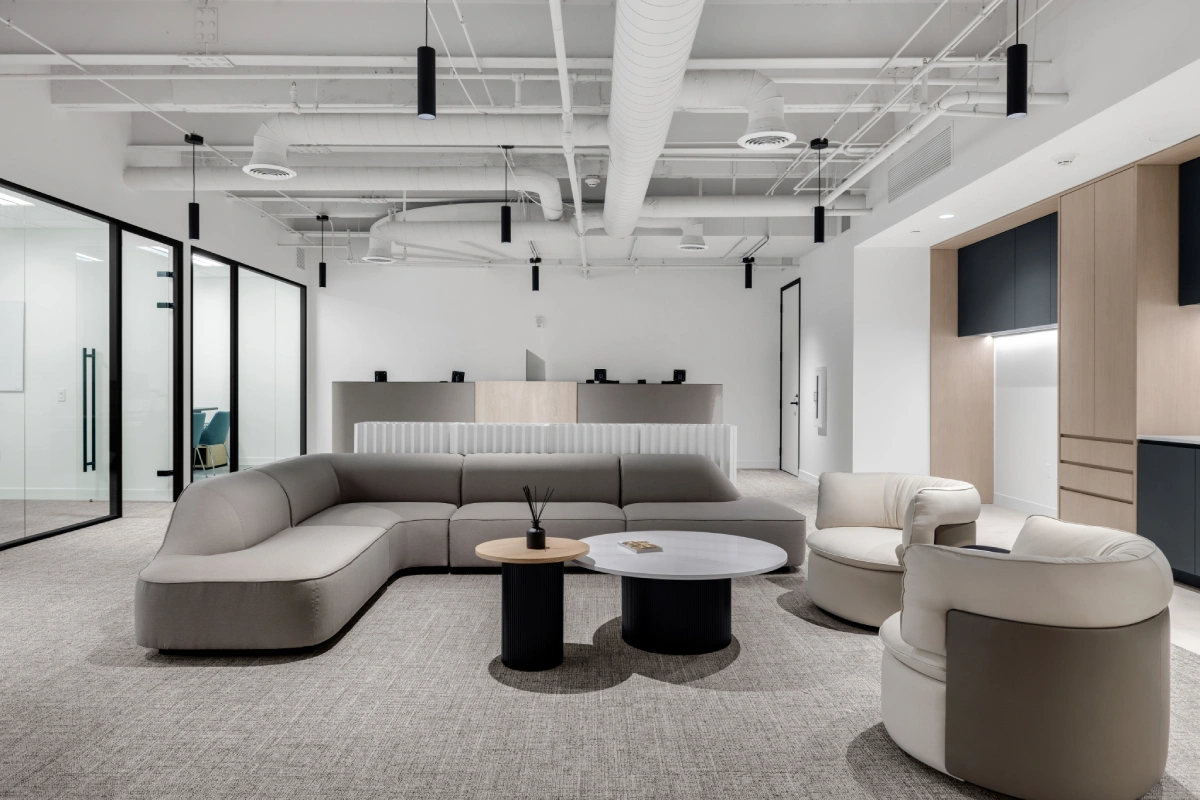
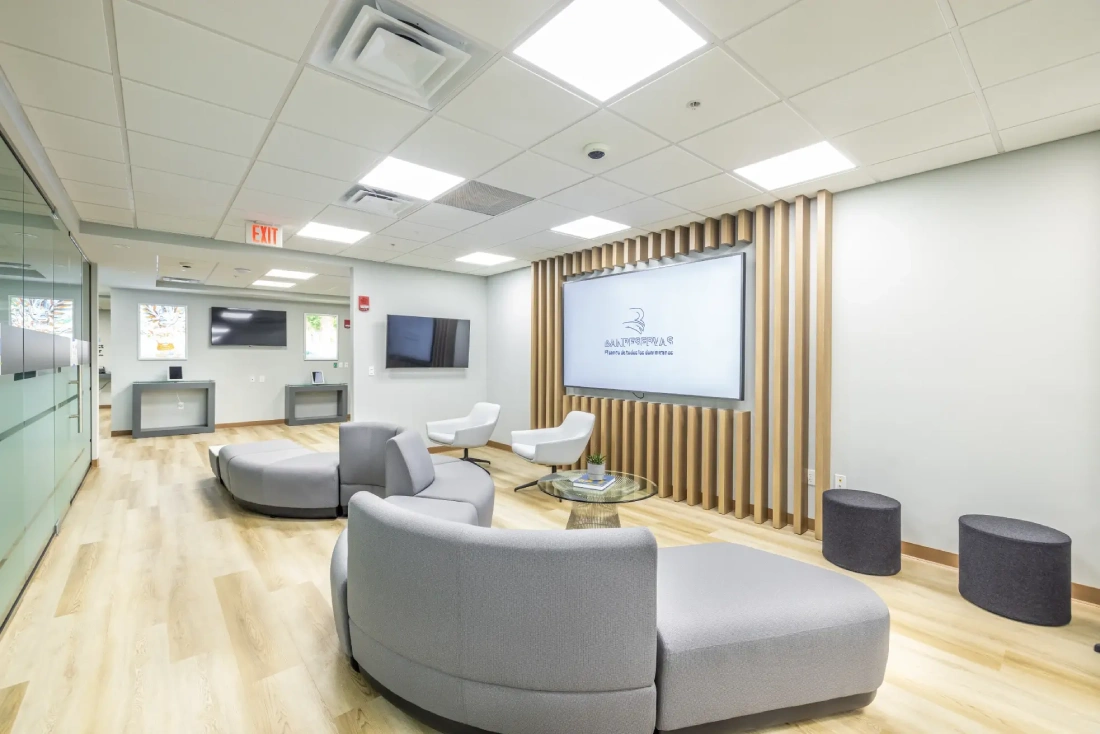
- Modular seating
- Flexible workstations
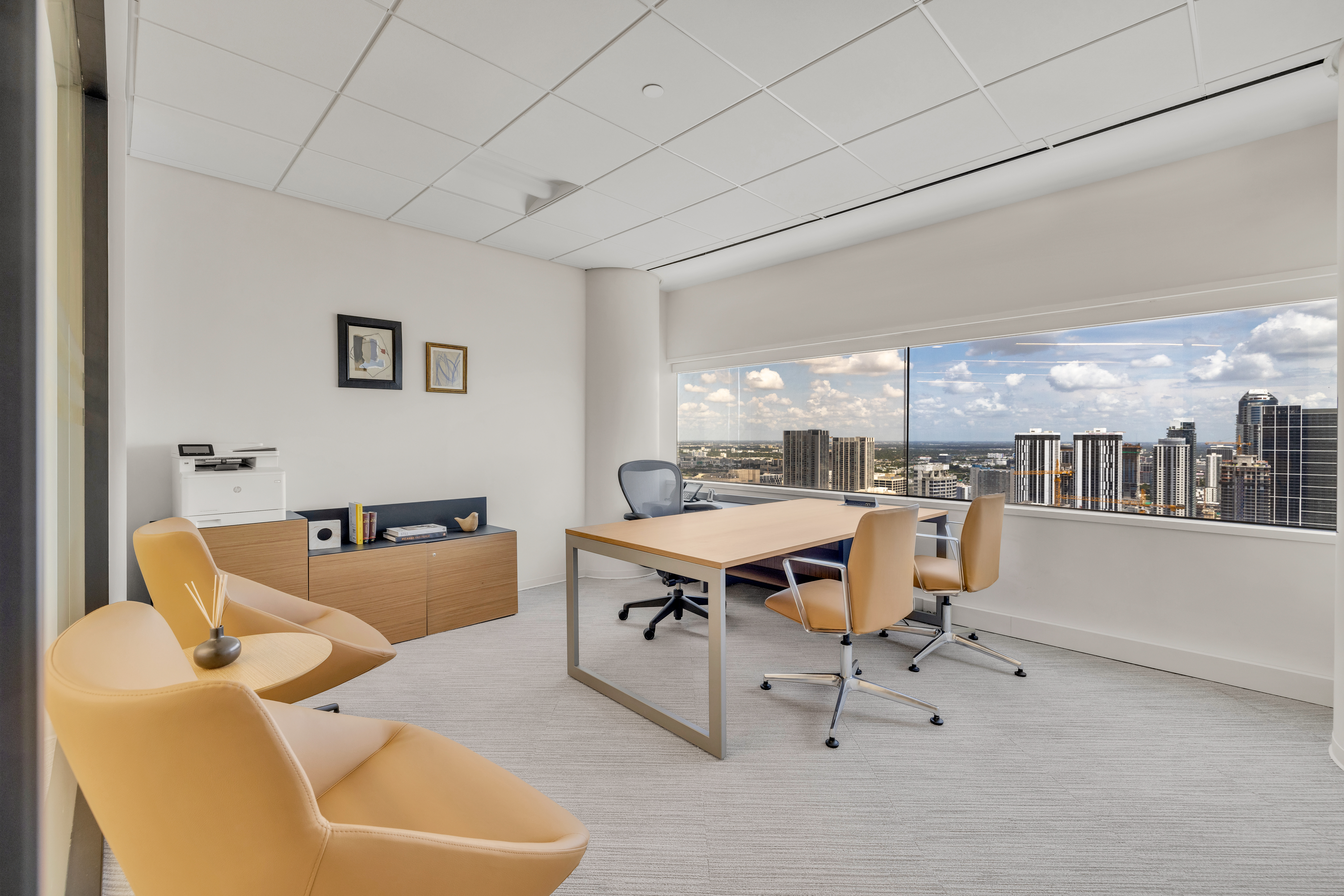
3. Meeting Spaces
Formal rooms for structured discussions should include:
- Video conferencing tools
- Sound insulation
- Adjustable seating
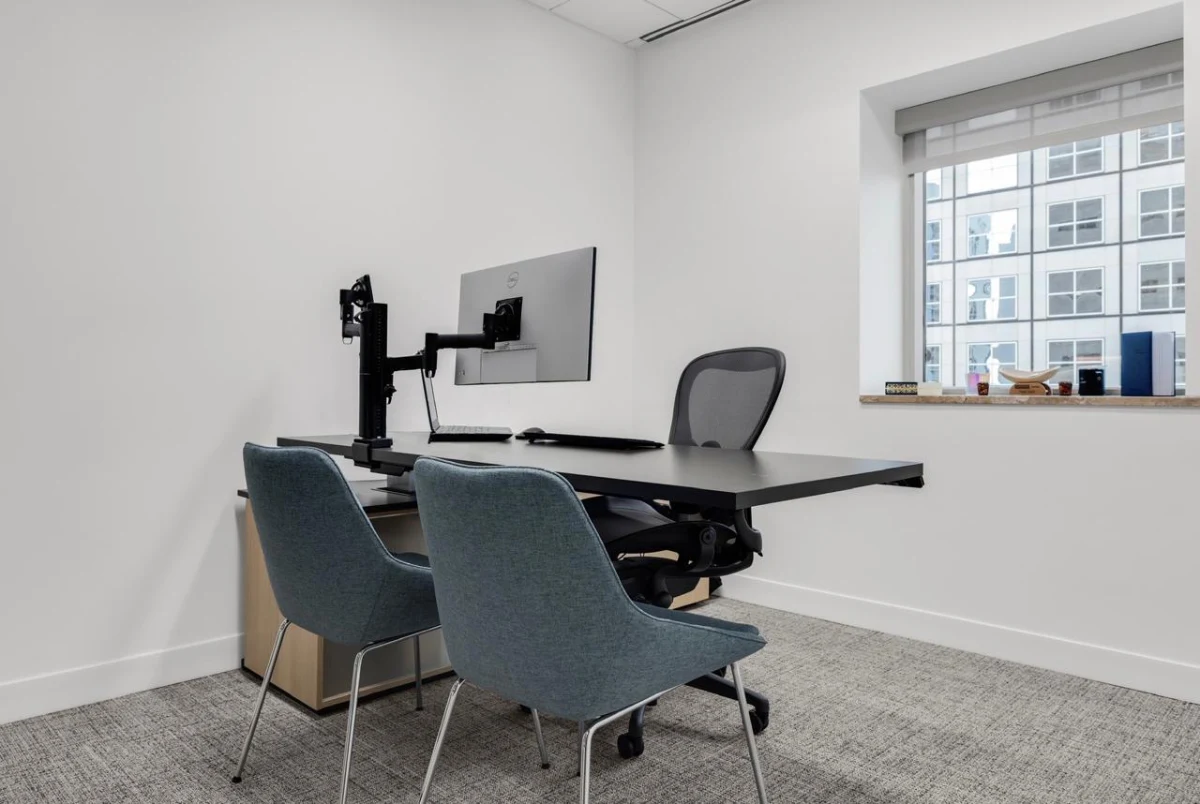
4. Quiet Rooms
Quiet rooms provide privacy for calls, focused work, or short breaks. They are essential in hybrid workplaces with frequent virtual meetings.
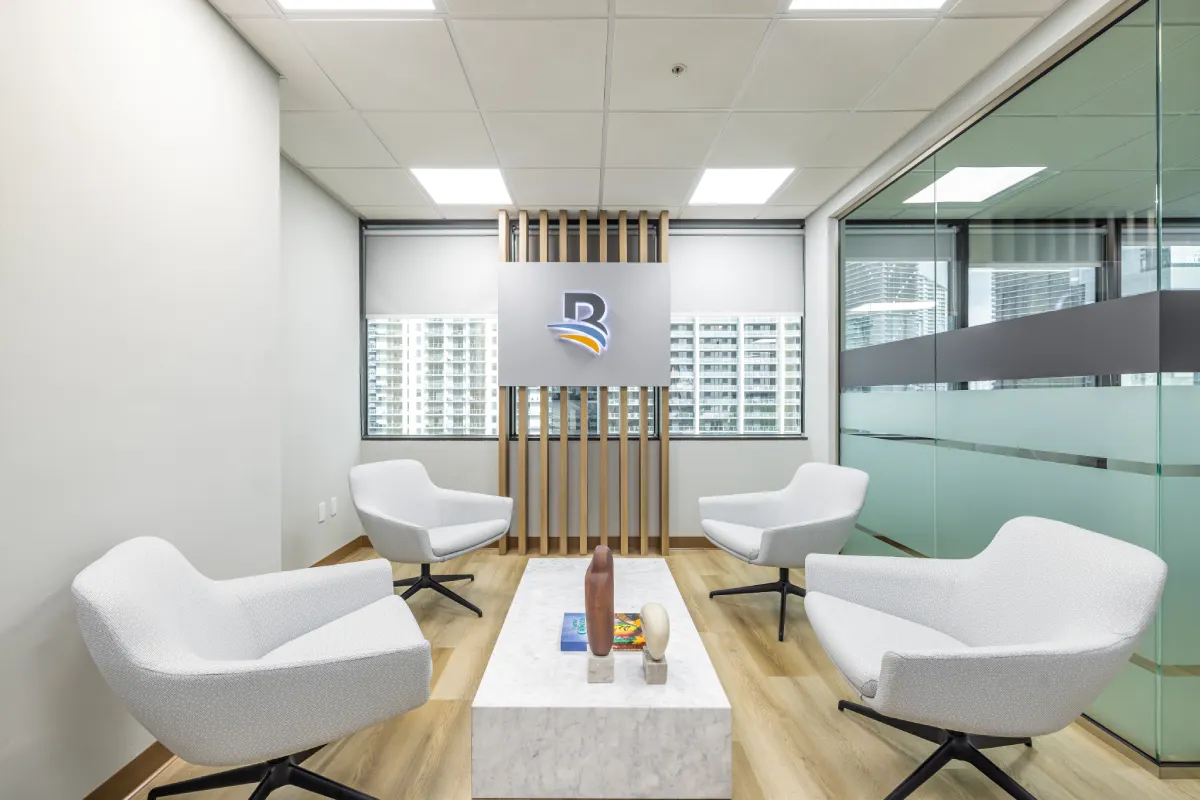
5. Social Spaces
Informal areas designed for connection and culture building:
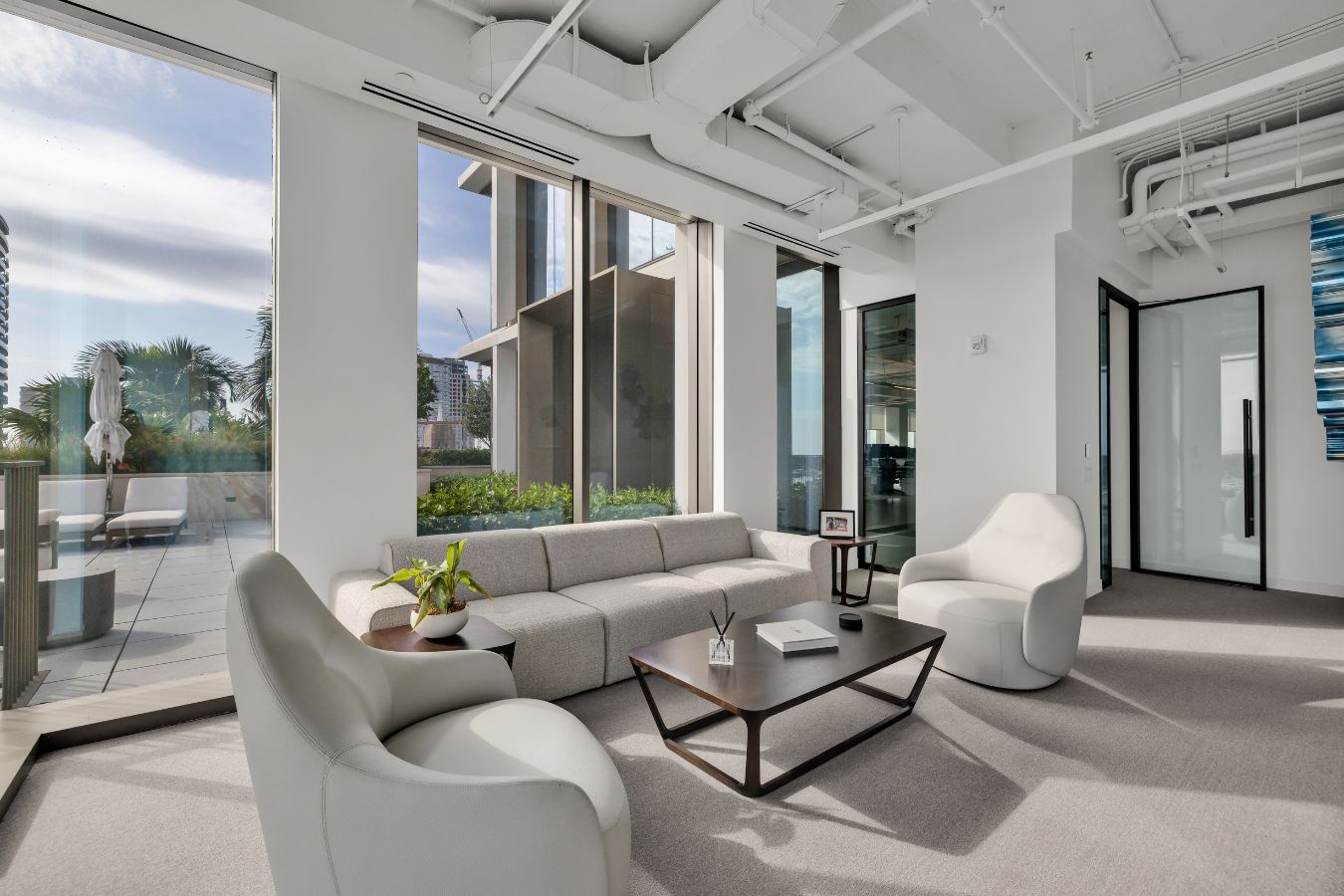
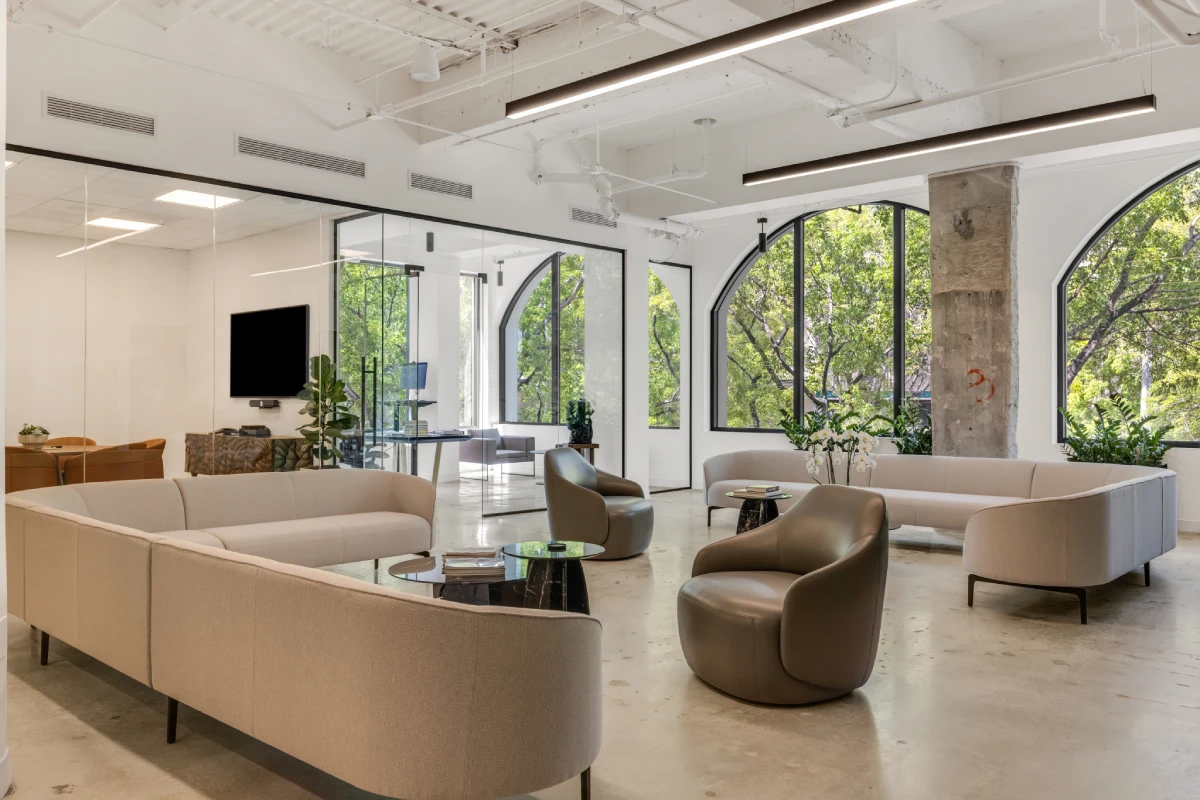
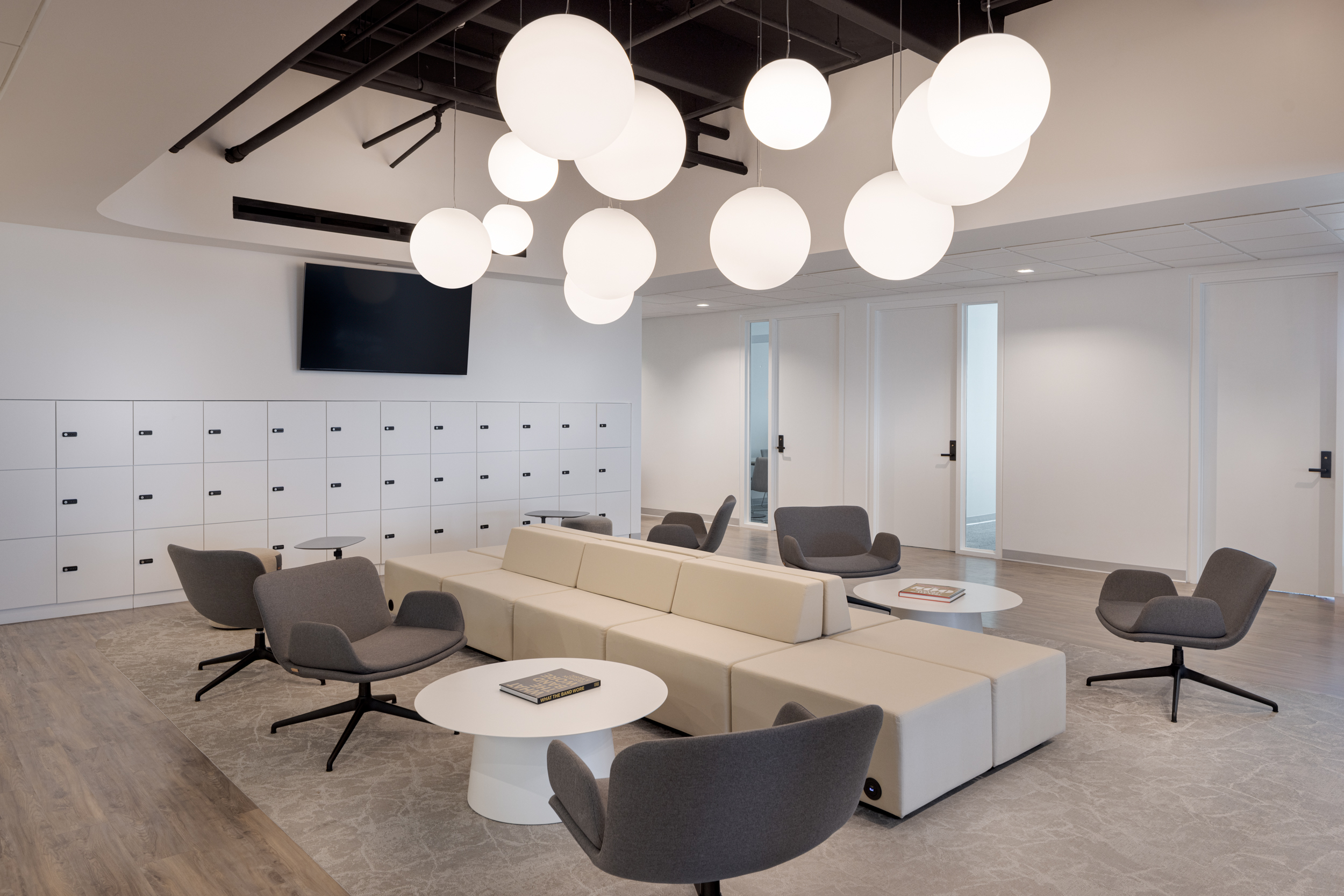
- Lounge seating
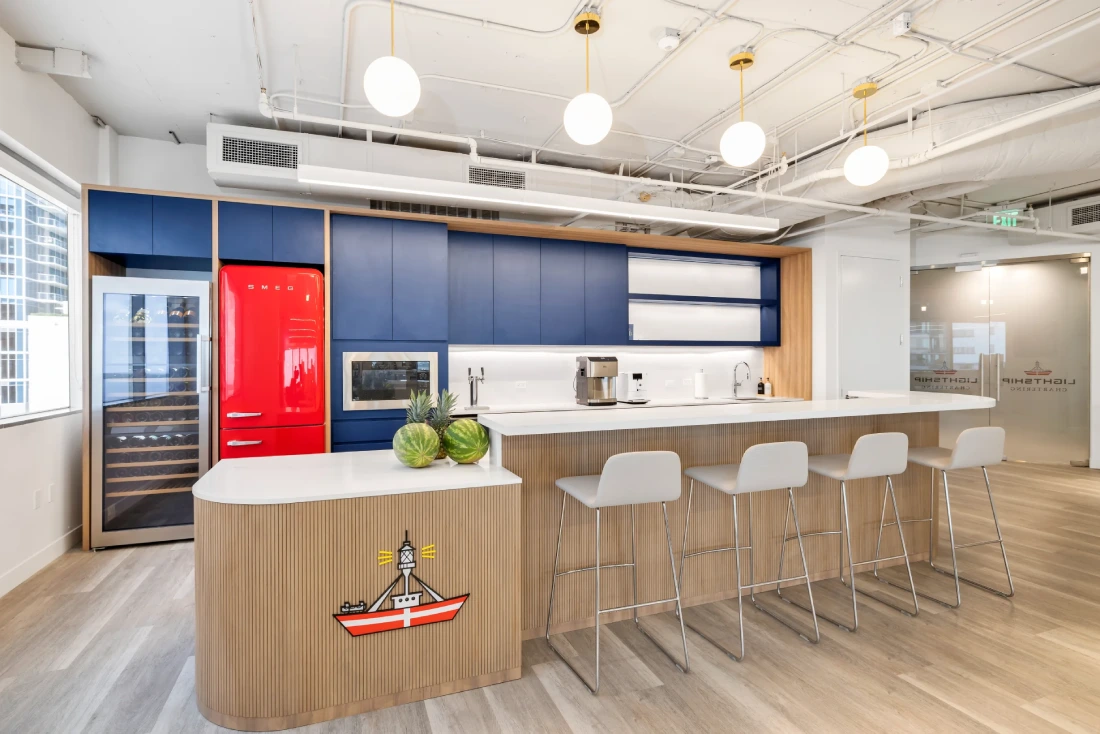
- Coffee bars
- Breakout areas
How Flexible Workstations Support Smart Layouts
Flexible workstations allow teams to adapt spaces based on current needs. Instead of fixed desks, offices may include:
- Shared desks
- Hot-desking systems
- Adjustable tables
- Modular furniture
Recommended Space Allocation
- Focus work: 40–50%
- Collaboration areas: 20–30%
- Meeting rooms: 10–15%
- Social spaces: 10–15%
Common Workplace Layout Mistakes
- Too many open spaces: Encourages collaboration but increases noise.
- Poor acoustic planning: Sound travels easily without proper materials.
- Ignoring traffic flow: Poor pathways increase interruptions.
- Insufficient meeting rooms: Leads to scheduling conflicts and inefficiency.
How to Evaluate Layout Effectiveness
- Room booking data
- Employee feedback surveys
- Space utilization metrics
- Noise and distraction reports
When Should You Redesign Your Office?
- Teams struggle to find meeting spaces
- Employees report noise issues
- Large areas remain unused
- Hybrid work changes space needs
Even small layout adjustments can significantly improve workflow.
The Role of Furniture in Smart Layouts
- Mobile whiteboards
- Reconfigurable tables
- Lounge seating
- Adjustable desks
These solutions allow offices to evolve without costly renovations.
For operations managers, office layout is a strategic operational tool. A well-designed workspace reduces friction, enhances collaboration, and maximizes the use of available space. If your office struggles with noise, inefficiency, or underutilization, adopting a smart zoning approach can transform how your teams work—often without major structural changes.