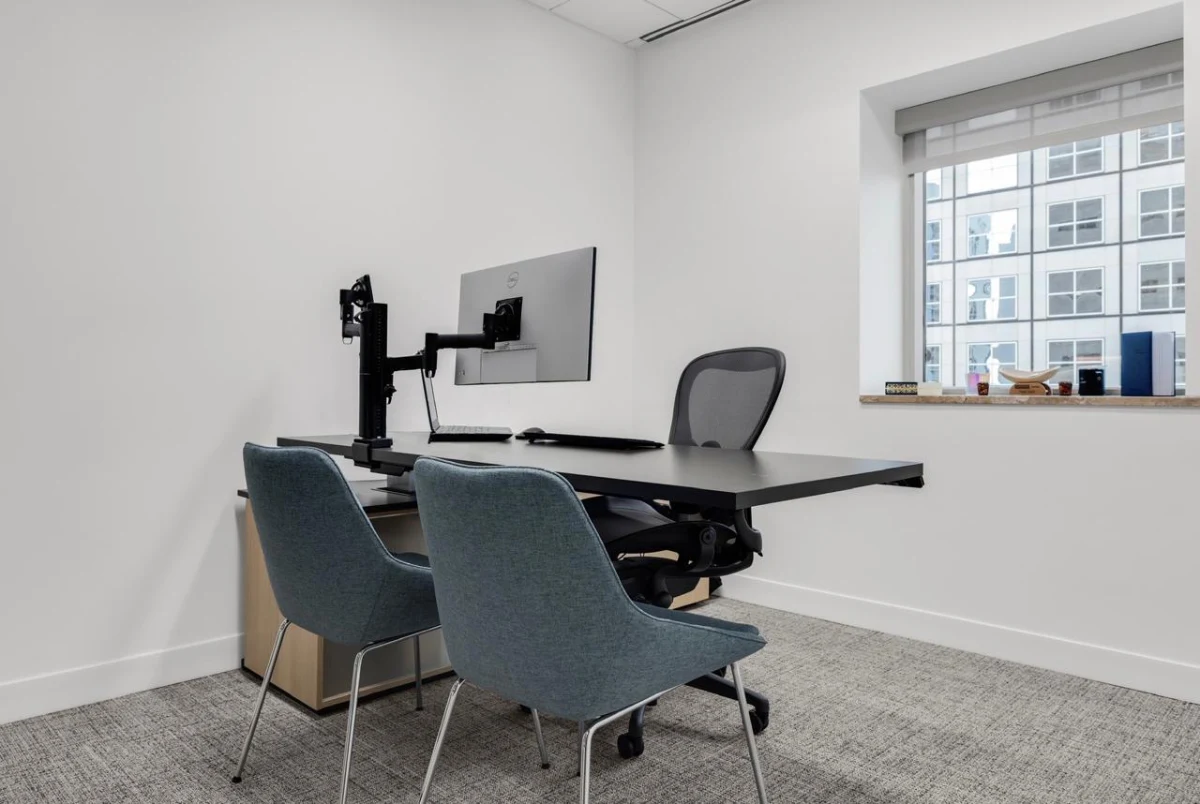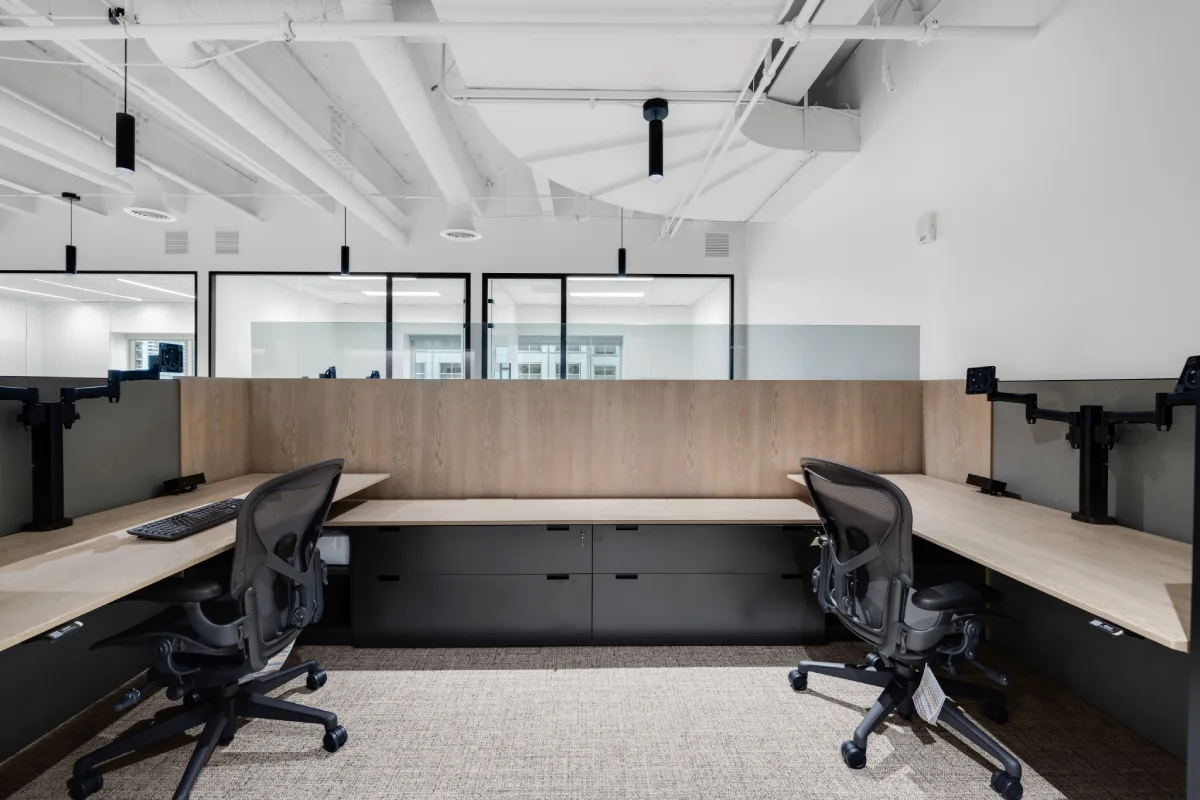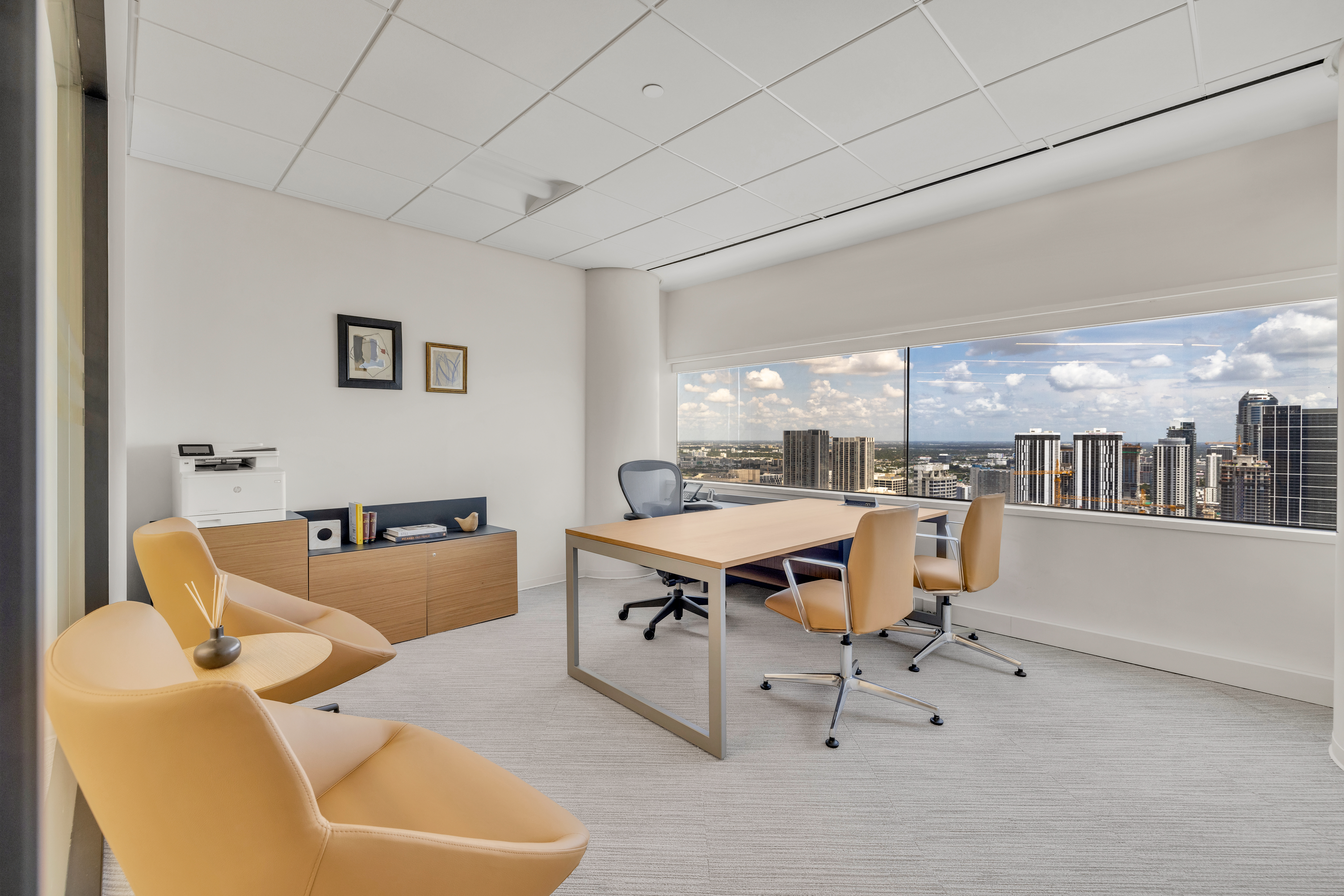
Images sourced from Humanscale website
Most ergonomic chairs are sold on the promise of adjustment. More levers, more dials, more ways to customize the fit. In practice, the majority of people who sit in those chairs never touch a single setting after the first day. Humanscale started from a different premise: what if the chair just figured it out? That philosophy shows up in every product they make, and it’s the reason they’re one of the most-specified ergonomic brands in commercial interiors.
Quick Summary: Humanscale’s 5 Key Ergonomic Innovations
| Feature | What It Does | Why It Matters |
|---|---|---|
| Auto-Adjusting Recline | Calibrates resistance to user body weight | No manual tension setting required |
| Weight-Sensitive Support | Adapts pressure distribution dynamically | Supports different body types without reconfiguration |
| Dynamic Lumbar Support | Follows spinal movement in real time | Maintains lumbar curve throughout the workday |
| Zero-Force Adjustment | Eliminates resistance when repositioning | Reduces compensatory strain during movement |
| Adaptive Posture Engineering | Syncs seat pan, backrest, and armrests | Full-body support as a single integrated system |
Feature 1: Auto-Adjusting Recline Technology
The recline mechanism on most chairs has a tension dial underneath the seat that almost nobody knows how to set correctly. Humanscale removes it entirely. The Freedom and Liberty chairs use the user’s body weight as the calibration input. Sit down, and the recline resistance is already right for you.
This matters more than it sounds. When recline feels natural, people actually use it, and a slightly reclined posture, around 100 to 110 degrees, takes meaningful pressure off the lumbar discs compared to the rigid upright position most chairs push you toward.
Feature 2: Weight-Sensitive Ergonomic Support
Traditional seating is calibrated for an average that doesn’t describe most users. Humanscale’s weight-sensitive support distributes pressure proportionally based on the actual person in the chair. As they shift and move, the support adjusts with them.
In hot-desking environments, this becomes critical. No one has to reconfigure anything, and the chair performs consistently across multiple users.
Feature 3: Dynamic Lumbar Support Systems
A fixed lumbar pad supports one position, and nobody holds one position for eight hours. Humanscale’s lumbar system in the Liberty and Diffrient World tracks movement. As you recline, lean forward, or shift laterally, the support surface moves with your spine instead of against it.
It’s the kind of thing you don’t notice until you go back to a chair that doesn’t have it.
Feature 4: Zero-Force Adjustment Mechanisms
If an adjustment takes effort, most people won’t make it. Humanscale’s monitor arms and chair mechanisms are engineered around this reality, repositioning is close to effortless, which means people actually reposition.
In a hot-desk environment, the difference between a thirty-second setup and a five-minute one is the difference between a workstation that gets adjusted and one that doesn’t.
Feature 5: Adaptive Posture Engineering
The Freedom Chair with headrest is probably the clearest demonstration of what Humanscale is actually building toward. When you recline, the seat tilts at a coordinated ratio, the armrests travel with your body, and the headrest pivots to stay in contact with your neck. Nothing fights you.
Compare that to a chair where the backrest moves but the armrests stay fixed, you end up holding tension in your shoulders just to maintain contact with the support that’s supposed to be helping you. Over time, those compensations add up.
Who Should Specify Humanscale in Their Office?
- People actually spend most of their day at a desk: Knowledge workers, legal professionals, developers, analysts spending 6+ hours at a desk.
- Hot desking or shared seating is common: Auto-adjustment features mean the chair performs for every user without manual reconfiguration.
- Reducing administrative friction matters: Humanscale's automatic features dramatically reduce setup issues for facilities teams.
- Sustainability certifications are required, not aspirational: Humanscale products are Cradle to Cradle certified.
FAQ: Humanscale Ergonomic Office Furniture
What makes Humanscale different from other ergonomic chair brands?
Most brands offer more settings. Humanscale reduces them because the chair handles the adjustment automatically.
Is the Humanscale Freedom Chair worth the price?
For organizations with full-time desk users, the long-term health and productivity benefits justify the investment.
Can Humanscale chairs accommodate different body sizes?
Yes. Their systems automatically adapt without manual intervention.
Does Humanscale furniture qualify for LEED credits?
Yes. Many products contribute to sustainability certification frameworks.
Where can I buy Humanscale furniture for my office in Miami?
B.House is an authorized dealer offering full-service support from selection to installation.
How long does Humanscale furniture last?
Humanscale offers a lifetime warranty on core seating products.
Available at B.House in Miami: B.House is an authorized Humanscale dealer. We supply, configure, and install Humanscale solutions for commercial office projects. Discover Humanscale solutions at bhouse.design.