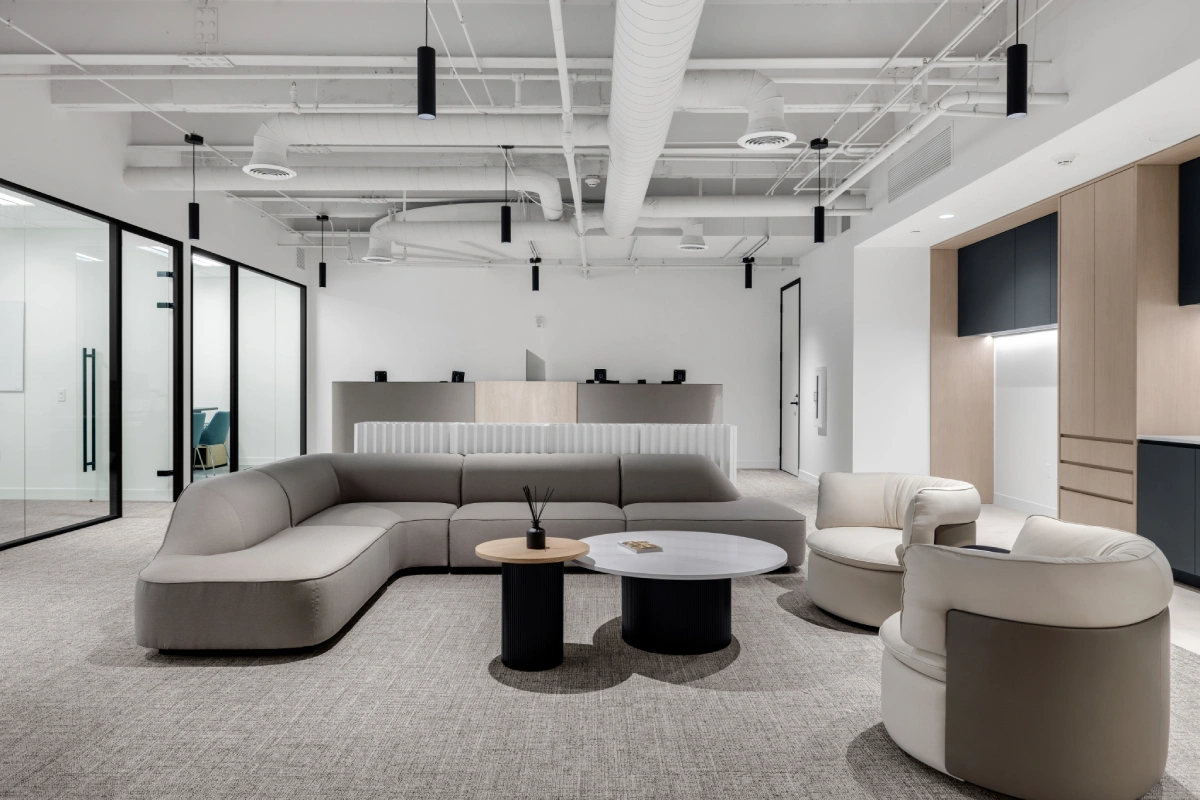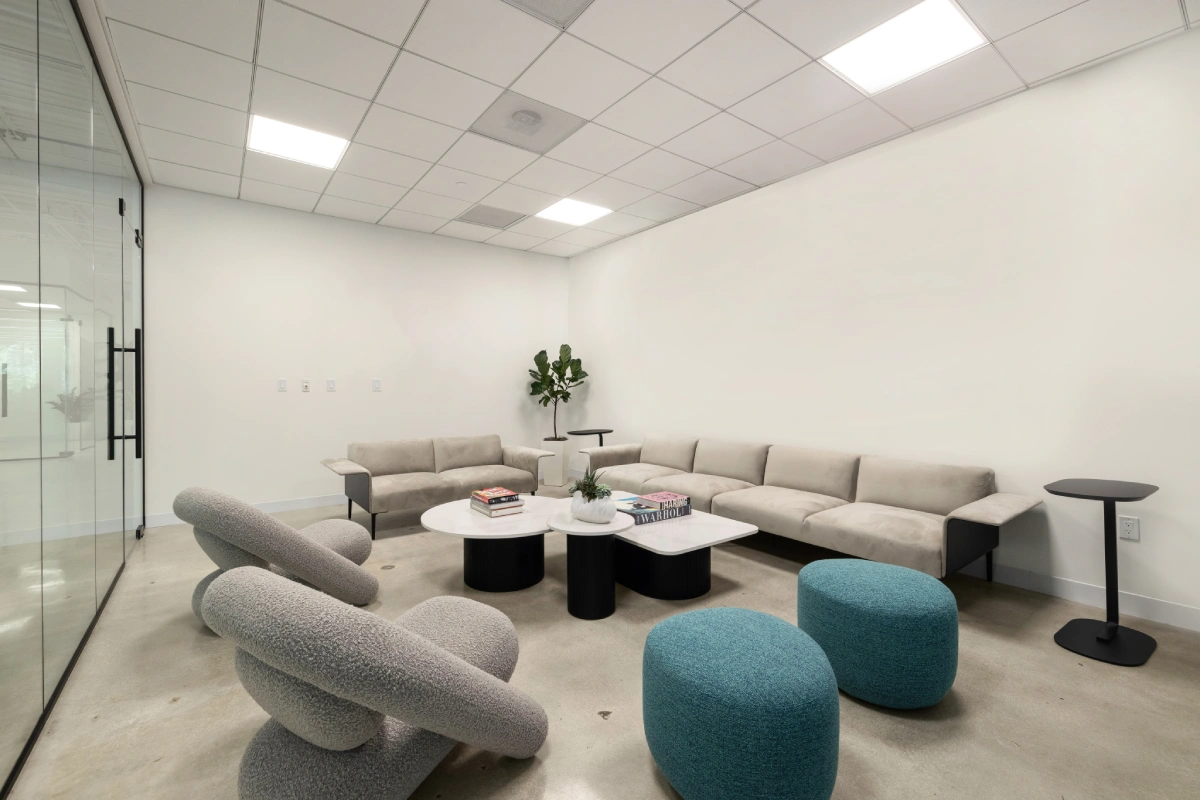
The shift to hybrid work has fundamentally changed what office furniture needs to do. A workplace that sits empty three days a week but is at near-full capacity on Tuesday, Wednesday, and Thursday requires a completely different furniture strategy than a traditional assigned-seating environment. Furniture must now support multiple users, multiple work modes, and multiple configurations , often all within the same day.
This guide is written for Workplace Managers, HR Directors, and Corporate Real Estate Managers who are defining furniture standards for hybrid work environments. It focuses on furniture selection strategy: understanding which furniture typologies to deploy, how to evaluate options based on hybrid-specific requirements, and how to build a scalable furniture portfolio that supports the full range of how people actually work in a hybrid office.
If you are looking for guidance on how to implement a furniture project once selections are made, see our companion guide on hybrid office furniture setup execution.
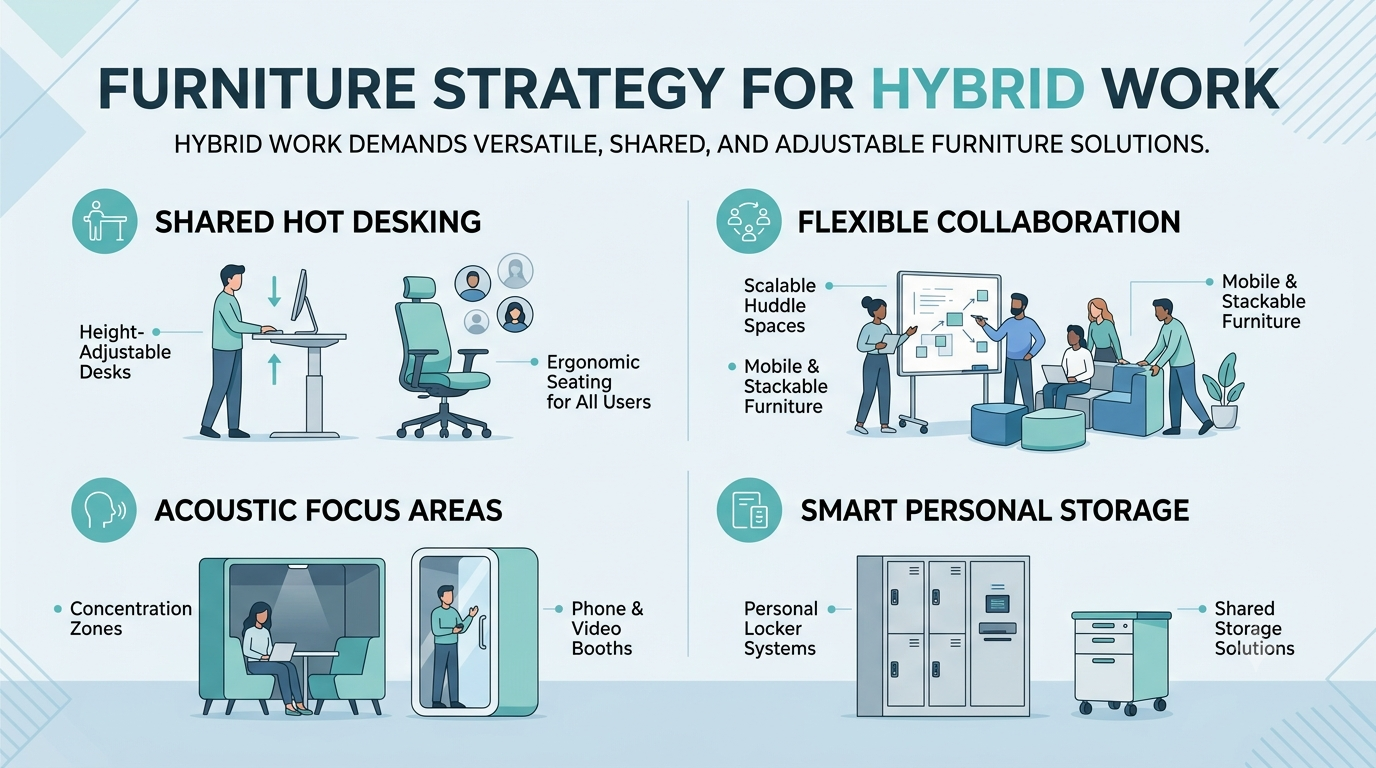
The Core Challenge: Furniture That Works for Everyone and No One Specific Person
In a traditional office, furniture is assigned to an individual. A desk, chair, and storage unit belong to one person and that person customizes them over time to their specific needs. Ergonomic adjustments are set once and forgotten. Personal items accumulate. The furniture works because it belongs to someone.
In a hybrid hot desking environment, furniture must work for everyone who sits there , a 5'2" employee on Monday, a 6'3" employee on Wednesday, someone who works standing for three hours, and someone who needs dual monitors at precise heights. The furniture selection challenge is identifying products that are genuinely versatile, genuinely durable, and genuinely comfortable for a wide range of users across a wide range of use patterns.
Hot Desking Furniture: Workstation Selection Strategy
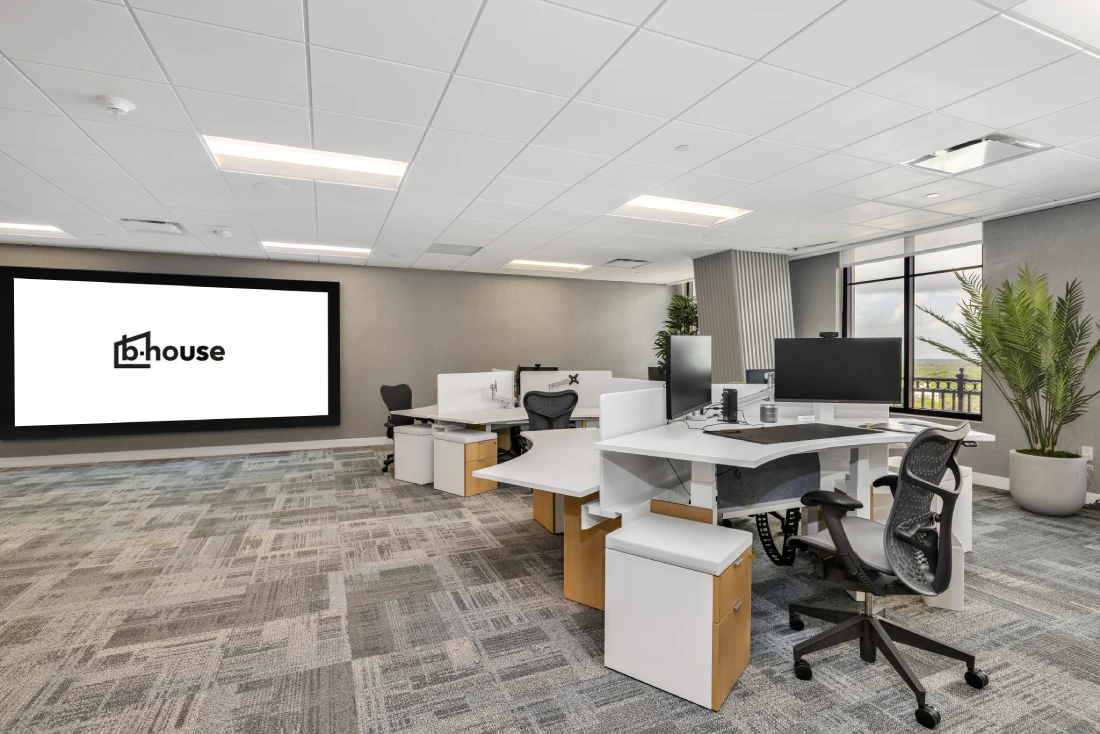
Hot desking workstations are the highest-frequency, highest-wear furniture in any hybrid office. Selection decisions must account for durability, adjustability, and the daily experience of employees who cannot personalize their workspace.
Height-Adjustable Desks
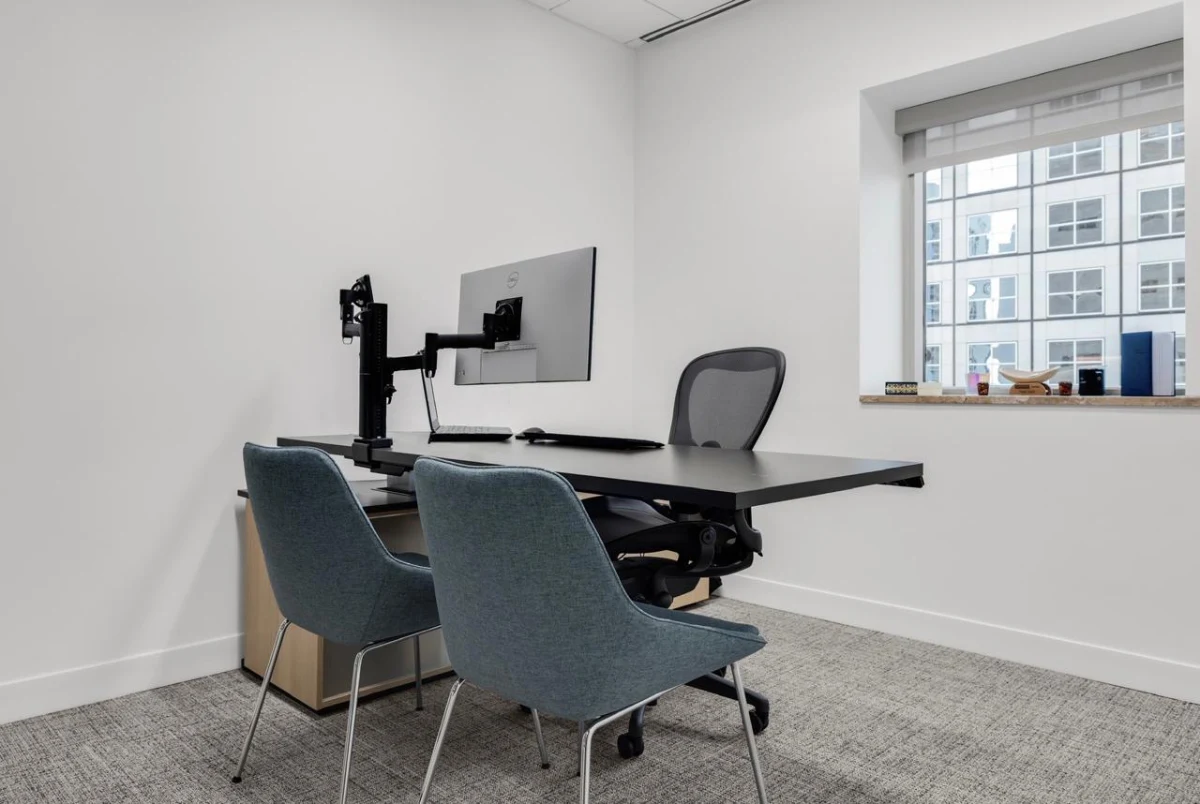
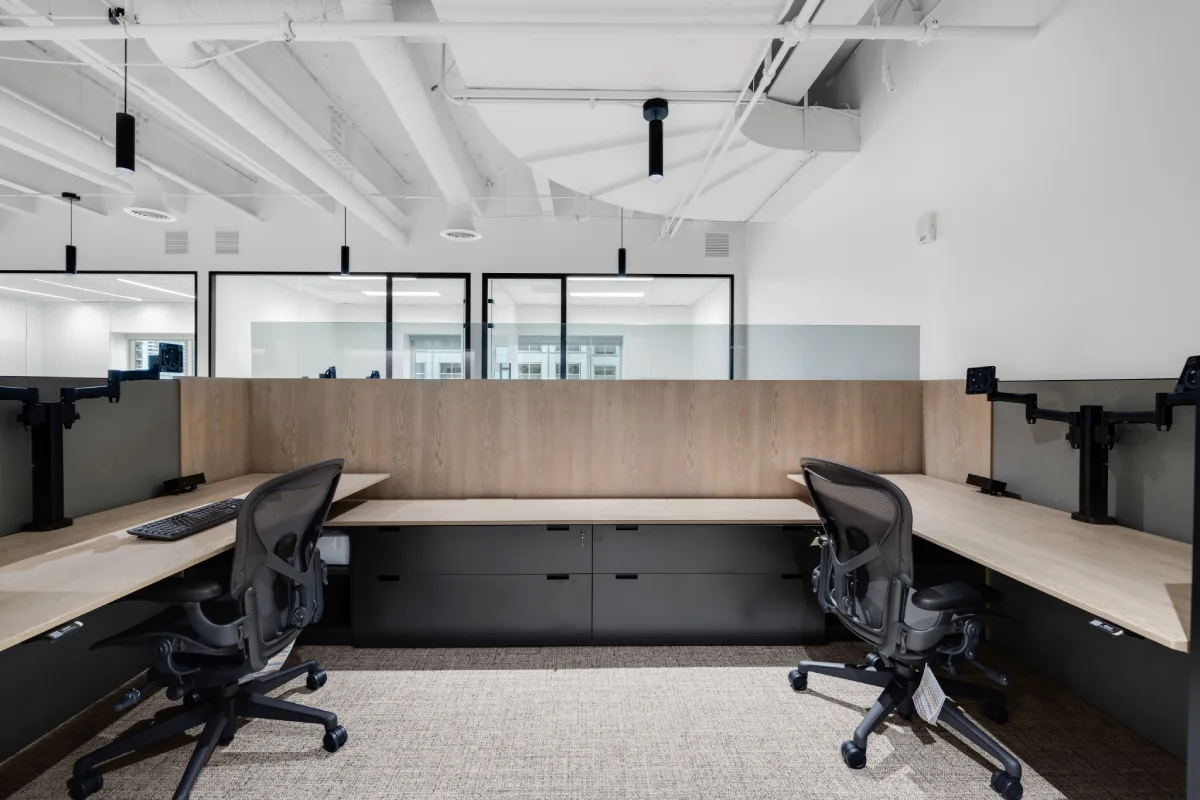
Height-adjustable desks , also called sit-stand desks or ergonomic desks , are no longer optional in hybrid hot desking environments. When no employee owns a specific desk, the ability to quickly adjust height for a new user is a fundamental ergonomic necessity. Key selection criteria include:
- Height range: the desk should accommodate seated and standing positions for users from 5'0" to 6'4". Look for a height range of approximately 22 to 48 inches.
- Adjustment speed: electric single-motor and dual-motor options are available. Dual-motor systems adjust faster and handle heavier loads; important for desks that will support dual monitors.
- Memory presets: desks with memory presets allow users to save their preferred sitting and standing heights, improving usability in hot desking environments where multiple users share the same desk on different days.
- Surface width and depth: hot desking surfaces should be at least 60 inches wide and 30 inches deep to accommodate standard task setups with monitor, keyboard, and personal workspace.
- Cable management: built-in cable management channels and grommets are essential in hot desking environments where monitor cables, power cords, and device connections change frequently.
- Commercial-grade durability: height-adjustable desks in hot desking environments experience significantly more daily adjustments than assigned desks. Specify commercial-grade actuators with a minimum 10,000-cycle warranty.
Ergonomic Seating for Shared Workstations
Ergonomic seating selection for hot desking environments follows a different logic than assigned seating. The goal is not finding the perfect chair for one person , it is finding a chair that adjusts quickly, accommodates a wide range of body types, and maintains its performance and appearance under heavy daily use.
Critical ergonomic seating selection criteria for hot desking environments:
- Seat height range: should accommodate users from 5'0" to 6'3" without requiring expert adjustment; target a seat height range of 16 to 21 inches.
- Lumbar adjustment: both height and depth adjustable lumbar support ensures the chair works for users with different torso lengths and lumbar profiles.
- Armrest adjustability: 4D adjustable armrests (height, width, depth, and pivot) accommodate varied shoulder widths and preferred arm positions.
- Seat depth adjustment: allows users with shorter or longer thighs to achieve proper seat depth without needing to choose a different chair model.
- Durability and cleanability: hot desking chairs require upholstery that can be wiped clean; commercial-grade mesh or vinyl-coated fabrics are preferred over traditional office textiles.
BHouse Solution: Hot Desking Workstation Specification
BHouse advises organizations across Florida on hot desking workstation selection , matching height-adjustable desk and ergonomic seating specifications to the specific usage patterns, user demographics, and durability requirements of hybrid workplaces. Our team develops furniture selection criteria that take the guesswork out of product evaluation.
Shared Storage Solutions for Unassigned Seating Environments
One of the most significant transitions employees face moving from assigned seating to hot desking is the loss of personal storage. Furniture strategy must account for this by providing flexible, accessible shared storage systems that replace assigned pedestals and drawer units.
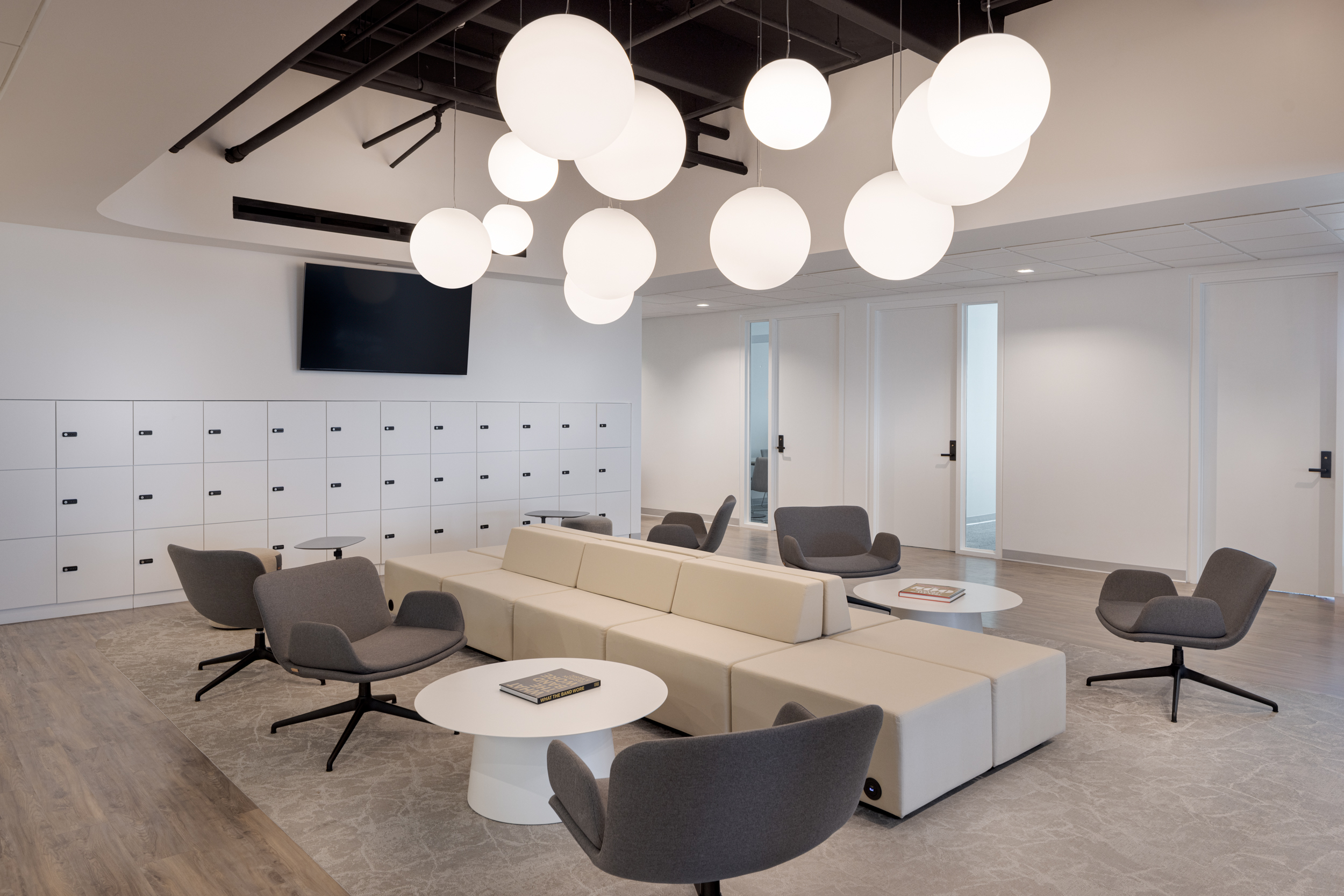
Personal Locker Systems
Day-use and full-time personal lockers are the primary storage solution for hot desking environments. Selection criteria include:
- Locker ratio: most organizations deploy lockers at a ratio of 1.0 to 1.2 lockers per employee, allowing for personal items even at peak occupancy.
- Locking mechanism: key, combination, or RFID-enabled smart locking systems. Smart locking systems that integrate with building access credentials reduce key management complexity.
- Locker dimensions: standard day-use lockers (approximately 12" W x 18" D x 18" H) accommodate laptops, chargers, personal items, and a small bag.
- Locker configuration: stacked, multi-unit locker towers can be positioned at zone entries or break areas to minimize workstation footprint.
Mobile Pedestals and Personal Storage Caddies
For organizations where personal lockers are not feasible or preferred, mobile pedestals or storage caddies that employees can bring to their chosen workstation offer an alternative. These must be specified to fit under height-adjustable desks at minimum height (check undersurface clearance specifications carefully against pedestal height before selecting).
Collaboration Furniture: Meeting the Full Range of Team Work Modes
Hybrid employees arrive at the office primarily to collaborate. Collaboration furniture represents one of the most important categories in a hybrid furniture strategy and one of the most frequently under-specified or poorly distributed.
Formal Conference Room Furniture
Conference rooms in hybrid environments must accommodate both in-person and hybrid meetings with remote participants. This changes furniture selection significantly:
- Table shape and size: rectangular tables with a clear sightline to the main display screen and room camera are preferred for hybrid meetings. Round and oval tables create sight-line challenges for remote participants trying to read facial expressions.
- Power and data access at seats: integrated power modules in conference tables support multiple laptops, chargers, and video conferencing equipment at every seat position.
- Chair mobility: conference chairs with casters allow repositioning for varied meeting types without requiring physical table reconfiguration.
- Acoustic wall panels: not furniture per se, but acoustic treatment at conference room walls significantly improves audio quality for hybrid meetings and should be specified alongside furniture.
Huddle Spaces and Small Group Meeting Furniture
In most hybrid offices, demand for 2 to 4 person meeting spaces far exceeds availability. Small huddle tables with mobile or stackable chairs, soft seating arrangements with low tables, and standing-height collaboration tables all serve this demand. Key selection criteria:
- Small footprint: huddle furniture should fit in 80 to 120 square foot zones carved from otherwise underused areas.
- Configuration flexibility: furniture that can be arranged differently for different team needs has higher utilization than fixed configurations.
- Acoustic performance: soft seating with high seatbacks and upholstered surfaces provide passive sound absorption in open-plan environments.
Open Collaboration Zones
Open collaboration zones in hybrid offices require furniture that signals "teamwork happens here" and supports both planned and impromptu group interactions. Appropriate furniture typologies include: long communal tables with bench seating, high-top tables with bar-height stools, lounge seating arrangements with low tables, and writable surface tables or mobile whiteboard units that anchor collaborative sessions.
| Collaboration Zone Type | Recommended Furniture | Optimal Group Size |
|---|---|---|
| Formal Conference Room | Rectangular conference table, executive chairs with casters, integrated power | 6–12 people |
| Huddle Space | Small round or square table, mobile or stackable chairs | 2–4 people |
| Open Collaboration Zone | Communal tables, bench seating, high-top tables, mobile whiteboards | 4–10 people |
| Lounge / Informal Meeting | Lounge chairs, soft seating, low tables | 2–6 people |
| Focus Pod / Quiet Zone | High-back acoustic chair, side table, privacy screen | 1–2 people |
BHouse Solution: Collaboration Furniture Strategy
BHouse helps organizations translate hybrid work models into collaboration furniture portfolios , identifying the right mix of conference room, huddle space, and open collaboration furniture based on how teams actually work. Our advisors develop collaboration zone specifications that maximize utilization and employee experience.
Touchdown Workstations: Supporting Brief Focused Work
Not every hybrid employee arriving at the office needs a full workstation for the day. Touchdown workstations ,compact work surfaces designed for short-duration focused work , serve employees who need to check email, take a call, or complete a 30-minute task before heading into a meeting.
Touchdown workstation selection criteria:
- Compact surface: typically 36 to 48 inches wide, accommodating a laptop and notebook without the full setup of a primary workstation.
- Standing or adjustable height: many touchdown zones use counter-height work surfaces (36 to 42 inches) to discourage extended occupancy while supporting brief productive use.
- Power access: every touchdown workstation should have accessible power and USB charging integrated into or adjacent to the surface.
- No personal storage: touchdown zones are not meant for extended occupancy; omitting storage reinforces brief-use intent.
Focus Work Furniture: Supporting Concentration in an Open Plan
One of the most common complaints in hybrid open-plan offices is the absence of spaces for focused, uninterrupted individual work. A hybrid furniture strategy must include dedicated focus work furniture typologies alongside collaboration and hot desking areas.
Effective focus work furniture includes:
- Acoustic seating pods: high-back upholstered chairs or two-person booths with integrated acoustic panels that create sound attenuation without requiring enclosed rooms.
- Focus desks with privacy screens: individual workstations with freestanding or surface-mounted acoustic privacy screens that create visual and partial acoustic separation within open-plan areas.
- Phone and video call booths: fully enclosed or semi-enclosed booths designed specifically for audio calls and video meetings, preventing disruption to surrounding workstations.
Decision Framework: Matching Furniture to Hybrid Usage Patterns
The most effective hybrid furniture strategies are built on a decision framework that connects furniture typology selection to actual usage data and organizational work patterns. Before finalizing furniture specifications, Workplace Managers and HR Directors should answer five key questions:
- What percentage of our hybrid employees come in primarily to collaborate versus primarily to do focused individual work?
- What are our peak concurrent occupancy days and times, and how does this affect workstation inventory requirements?
- Which employee groups have specific ergonomic or technical requirements that standard hot desking configurations cannot meet?
- How much space do we have for each furniture zone type, and have we modeled furniture quantities against peak occupancy by zone?
- Which furniture selections must be scalable , able to add units or reconfigure , as our hybrid model evolves?
Frequently Asked Questions
- How many hot desks do we need if we have a 3-day hybrid policy?
- The number of hot desks required depends on your peak concurrent occupancy, not your total headcount. Most organizations on a 3-day hybrid policy experience peak attendance of 60 to 75 percent of headcount on peak days. A desk-sharing ratio of 0.75 to 0.85 desks per employee typically provides adequate inventory while reducing workstation costs versus a full assigned-seating model. Utilization data from your specific attendance patterns is the most reliable input for this calculation.
- What is the difference between a hot desk and a touchdown workstation?
- Hot desks are fully specified workstations ,typically with height-adjustable desks, ergonomic seating, monitor arms, and storage access , intended for employees booking a full workday workspace. Touchdown workstations are intentionally minimal, providing a compact surface for brief work sessions of 15 minutes to 2 hours without the full ergonomic specification of a primary workstation.
- Do all hot desks need to be height-adjustable?
- In most hybrid environments, yes. When no employee has an assigned desk, height-adjustable desks are the practical solution to accommodating the ergonomic variation across users who will share each workstation. Fixed-height desks are appropriate only in touchdown zones or areas designated for specific brief-use purposes.
- How should we approach ergonomic seating in a hot desking environment where employees cannot be individually fitted?
- Specify ergonomic seating models with the widest possible adjustability range and the most intuitive adjustment mechanisms. Chairs that require instruction to adjust properly are underutilized in hot desking environments. Complement the seating specification with a clear quick-reference adjustment guide posted at each workstation, and consider scheduling brief ergonomics orientation sessions when hot desking is first launched.
- How much collaboration furniture is enough?
- Most workplace consultants recommend a rough benchmark of 30 to 40 percent of total furniture footprint dedicated to collaboration and meeting spaces in hybrid offices , significantly higher than the 15 to 20 percent typical of traditional offices. The appropriate allocation depends on your organization's collaboration intensity, the proportion of meeting-heavy roles in your workforce, and utilization data from existing meeting spaces.
- What furniture mistakes do organizations most commonly make when transitioning to hybrid?
- The most common mistakes are: maintaining too many fixed assigned desks at the expense of collaboration furniture; under-specifying ergonomic adjustability in hot desking chairs and desks; failing to provide adequate personal storage alternatives to assigned pedestals; specifying conference rooms that are too large for typical hybrid meeting sizes; and not including adequate acoustic furniture to support focused work and video calls in open-plan environments.
Build Your Hybrid Workplace Furniture Strategy with BHouse
BHouse helps organizations across Florida translate hybrid work models into scalable, well-specified furniture strategies , from hot desking systems and ergonomic seating to collaboration zones and focus work furniture.
Visit www.bhouse.com to get started.

.webp)